A connected workspace
Who gets in
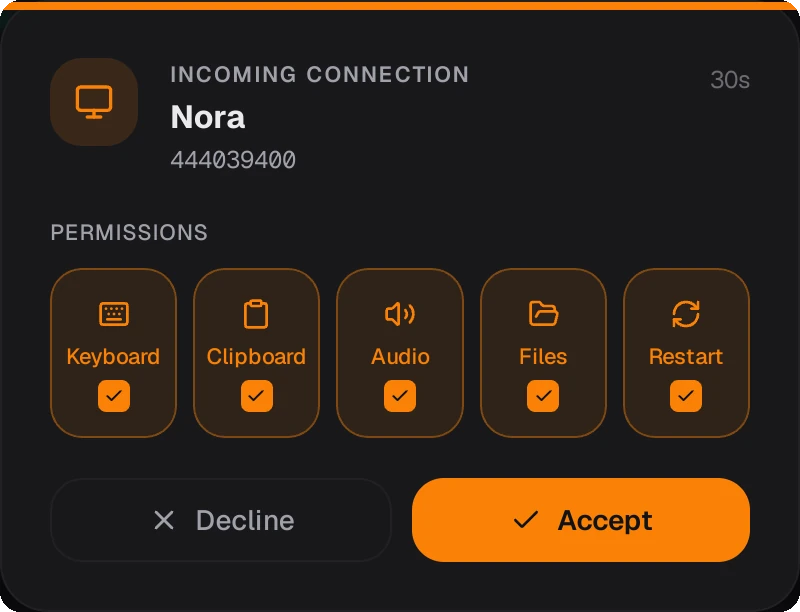
The host chooses keyboard, clipboard, audio, file and restart permissions for each connection.
Inside Delta
Who gets in
Start host mode, share the device ID and review the incoming request. Accept with the permissions needed for the task, then follow the active connection and end it from the host panel.
Before accepting, review who is connecting and choose keyboard, clipboard, audio, file and restart permissions. Access follows the task you agree on.
See the approach ↗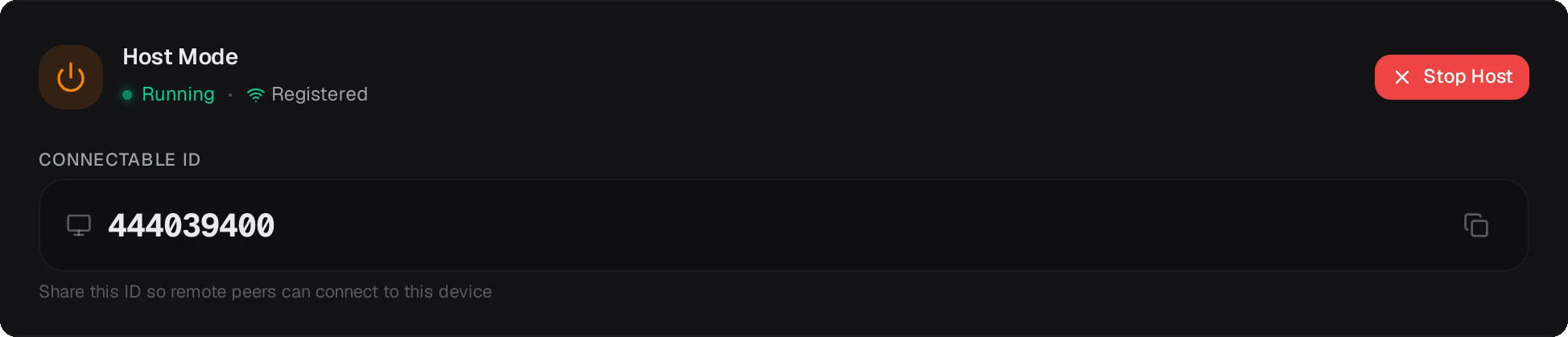
In the session
Host mode with an explicit accept
The host explicitly accepts the connection before the session starts.
Five permissions, decided at the door
The host chooses keyboard, clipboard, audio, file and restart permissions for each connection.
The settings pane behind its own password
Protect your client configuration with a dedicated settings password.
Before you connect
Is host approval required?
Yes. The person at the host explicitly accepts each connection before the remote session starts.
What may be shared?
Keyboard, clipboard, audio, files and restart have per-connection permission switches. You choose the settings for the session.
Where are supported builds?
The download page lists the artifacts currently available and their platforms. Check it for the build that matches your device.